
Online & Mobile Banking
Created to give you a faster, smarter, and simpler way to manage your money anytime, anywhere.
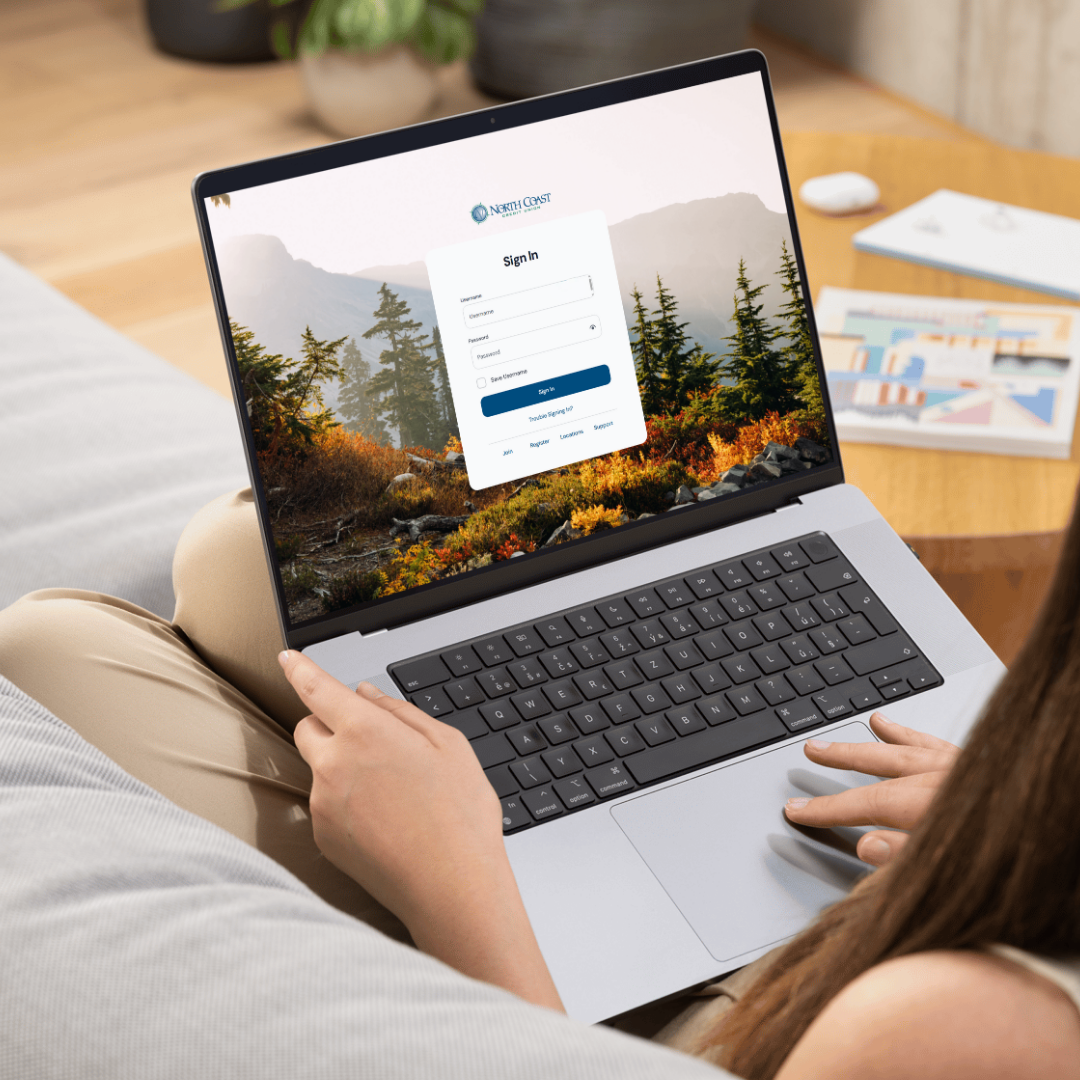
Same account, two ways to log in. Use online banking on your computer at northcoastcu.com, or download our app to use the same account on your phone or tablet. One login works for both.
On Your Computer
Take control on your schedule with tools that make managing your money simple and stress-free. Personalize transactions, add memos or receipts, update your accounts, manage your cards, and set alerts. It’s all available 24/7 so you can stay in charge of your finances.
Download Our App
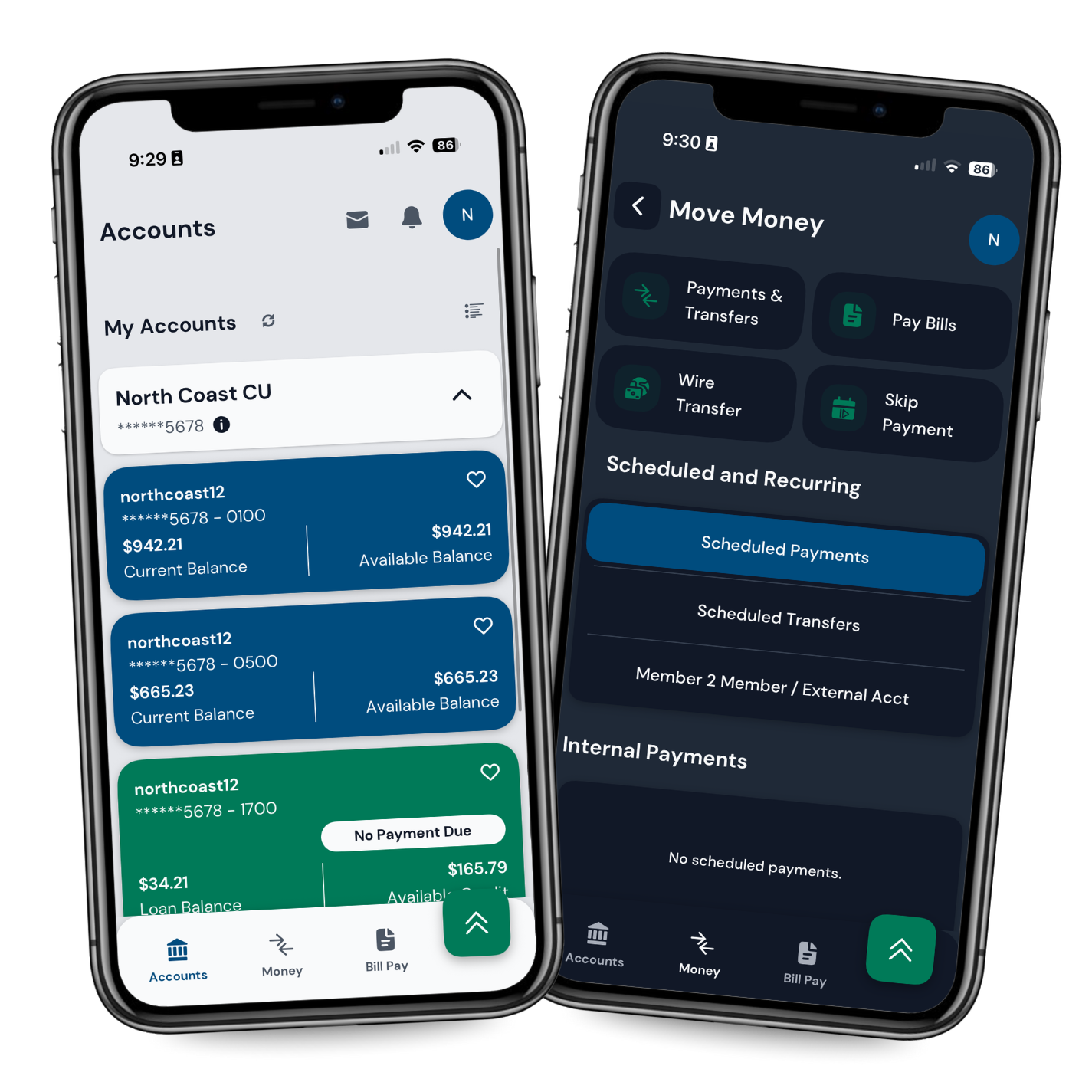
Download the North Coast Credit Union app for iPhone or Android and sign in with the same login you use on your computer. Deposit a check with your phone camera, add your card to a mobile wallet, and move money between accounts.


What You Can Do in Online & Mobile Banking
Why you’ll love it:
Spotlighted Features
Personalized Transactions – Add memos, upload receipts, or tag and note purchases.
Easy Wire Transfers – Submit a wire request securely using the online wire form.
Open New Accounts – Open an additional checking or savings (shares) directly online.
Customization
Dark Mode – Reduce eye strain with a sleek new dark theme.
Language & Font Options – Choose what feels comfortable to you.
Quick Balances – View balances instantly without logging in fully.
Easily Control YOUR Money
Card Management – Lock or unlock your card, report a card lost or damaged, or set a travel notice.
Account Updates – Update your address, phone number, and more—all online.
Custom Alerts – Get new alert options for added peace of mind.
Video Tutorials
Same account, two ways to log in. These short videos walk you through setting up online banking and making it your own.
Signing Up for Online Banking
How to create your login for the first time, step by step.
Setting Up Alerts
Choose which balance and transaction alerts you want, and how you get them.
Customizing Your Settings
Change your display, language, and font, and turn on quick balances.
Frequently Asked Questions
-
Either one. Online banking works on a computer at northcoastcu.com, and the North Coast Credit Union app works on a phone or tablet. The same login works for both.
-
Choose the online banking sign-up on this page and follow the steps. The first video tutorial walks through it.
-
Yes, it is free. There is no additional fee for using online and mobile banking.
-
Yes. Members can deposit a check using the camera in the North Coast Credit Union app.
-
Members can lock or unlock a card, report a card lost or damaged, set a travel notice, and turn on custom alerts, all from inside online and mobile banking.